Dictating is the quickest way to turn a study or a consultation into a document. You speak at your own pace, with your hands and eyes free, and a transcriptionist or a program turns your voice into text. But the document you sign is yours, whoever typed it. This guide covers the whole path: what to prepare, what each document holds, how to dictate so the text comes back right, and what to check before you sign.
Before you dictate
- Have in front of you what you are reporting. The request or the reason for the visit, the images or your examination notes, the previous results. Dictating from memory leaves gaps.
- Decide which document you are dictating, and its sections. A radiology report is not dictated like a referral letter. Two lines on paper, what matters most and where it goes, save you going back halfway through.
- Use your department’s template, if there is one. The same sections in the same order in every report, so whoever reads them knows where to look.
- Dictate soon. At the end of the study or the visit, not at the end of the day, while it is fresh and before it blurs into the next patient.
- Set up the room. Somewhere quiet, the microphone at the same distance throughout. A ten-second test, played back, catches a muted microphone before it costs you a dictation.
- If you record the consultation itself, ask first. The Academy of Medical Royal Colleges asks clinicians using an AI scribe to get the patient’s verbal consent at the start of each encounter, and to follow local policy on data protection and on AI (AoMRC, 2026). Your organization’s rules decide what applies to you.
What each document holds
A document set out the same way every time is read faster and misread less. These are the usual sections of the four documents most often dictated in clinic and in radiology. Your hospital or practice may name or order them differently; what matters is dictating the same ones every time.
The radiology report
- Clinical indication (or clinical history): why the study was done, and the referrer’s question.
- Technique: the modality, the region and, if given, the contrast.
- Comparison: the previous studies you compared it with, and their dates.
- Findings: what you saw, in the same order of structures every time.
- Impression (in the UK often the conclusion): the answer to the question, the most important point first.
Many readers read the impression first, and some read nothing else. The American College of Radiology’s practice parameter says the report should address any specific clinical question and, if something prevents answering it, say so (ACR, 2025). The Royal College of Radiologists’ standards ask the conclusion to answer the clinical question directly, with clear, specific recommendations rather than blanket phrases such as “clinical correlation advised” (RCR, 2025).
The SOAP consultation note
- Subjective: what the patient tells you: the presenting complaint, the symptoms, how they have changed, and the history that bears on them.
- Objective: what you measure and examine: vital signs, examination findings, test results.
- Assessment: your clinical judgment, the diagnosis or the differential, with the certainty you give it.
- Plan: tests, treatment, referrals and follow-up.
The format comes from the problem-oriented medical record that Lawrence Weed proposed in 1968 (Weed, 1968). It suits dictation because it follows the consultation: you listen, examine, then decide. Dictate in that order, naming each section as you start it, and the note is in order from its first sentence, whether it goes into the chart or the notes.
The patient visit summary
The same consultation, written for someone who is not a doctor: what you found, what to do, the medicines, when to come back, and which signs mean seeking help sooner. The Academy of Medical Royal Colleges asks for plain English (“kidney”, not “renal”), an explanation of any medical term you do use, and medicines in English rather than Latin (“twice daily”, not “bd”), each with what it is for (AoMRC, 2026). So say the reason for each medicine aloud, and dictate the instructions as you gave them in the room: a summary that differs from what the patient heard confuses instead of helping.
The referral letter
- Who it is for: the service, or the consultant or attending you are writing to.
- Reason for referral: the question you want answered, the first thing your colleague needs to read.
- Relevant history: what bears on that question, not the whole history.
- Findings and investigations you already have, each with its value, unit and date.
- Current medications, each with its dose, route and frequency.
- Urgency: if it is urgent, say so and say why.
- How to reach you, in case your colleague has a question before seeing the patient.
How to dictate
Technique matters whether a person or a program transcribes you. A clear dictation is transcribed better, checked faster and corrected less.
- Name each section as you start it, and speak in whole sentences. “Indication.” “Findings.” “Impression.” Keep a steady pace, and pause between ideas, not in the middle of a sentence.
- Find out how punctuation is handled. Some systems need it spoken (“period” in the US, “full stop” in the UK, “new paragraph”); others punctuate for you. With a transcriptionist, agree how you mark it.
- Say every number with its unit. “Twelve millimeters”, “five milligrams every eight hours”. A number with no unit is a question for whoever reads it.
- Make numbers hard to mishear. Fifteen and fifty sound alike: say “fifteen, one five”. Say the zero before a decimal point (“zero point five milligrams”), never one after a whole number (“five milligrams”, not “five point zero”): both are on the list of dose designations involved in harmful or potentially harmful medication errors (ISMP, 2024).
- Say the words, not the abbreviations. “Units”, not “U”; “daily”, not “QD”; “morphine sulfate”, not “MS”. The same list, which includes The Joint Commission’s “Do Not Use” entries, says not to use them verbally, electronically or by hand.
- Say the side and the negatives clearly. “Right”, “left”, “no”, “without”: the words that change a sentence most when they are lost. Name the side every time you name a structure that has two.
- Spell what cannot be guessed. A surname, an unusual drug, an abbreviation only your department uses, with a spelling alphabet (“B for bravo”) if it helps.
- Correct yourself out loud. Say one fixed phrase, such as “correction” or “scratch that”, then the whole sentence again. When you check, make sure the text kept the right version.
- Dictate what you saw and examined. A structure you did not assess is not filled in with a normal statement: leave it out, or say it was not assessed.
- Dictate only the patient details the document needs, and follow your organization’s rules on identifiers and confidentiality.
A worked example
A short dictation of a chest radiograph, punctuation commands left out, and the report it should become. Note the section named before each part, the unit with the measurement, the side every time, and each negative in its own sentence.
Illustrative example. The dictation and the report are written to show the format. Every finding, figure and date is invented.
What is said: “Clinical indication: cough for three weeks in an ex-smoker, is there a mass? Technique: chest radiograph, PA view. Comparison: chest radiograph of the fourth of February. Findings: there is a rounded opacity in the right upper zone measuring two point four centimeters, new since the previous study. The left lung is clear. The heart is not enlarged. No pleural effusion. No pneumothorax. Impression: new two point four centimeter opacity in the right upper zone. Recommend CT of the chest to characterize it.”
What it becomes:
- Clinical indication: Cough for 3 weeks in an ex-smoker. Is there a mass?
- Technique: Chest radiograph, PA view.
- Comparison: Chest radiograph of 4 February.
- Findings: A rounded opacity in the right upper zone measures 2.4 cm and is new since the previous study. The left lung is clear. The heart is not enlarged. No pleural effusion. No pneumothorax.
- Impression: New 2.4 cm opacity in the right upper zone. CT of the chest is recommended to characterize it.
End of the illustrative example. Neither the dictation nor the report was produced by Verbato.
Check before you sign
Dictation saves you typing, not checking, and a transcription error you sign is your error. In a study of 217 notes dictated by 144 physicians, 7.4% of the words in the speech recognition drafts were errors; after a transcriptionist’s edit and the physician’s review, 7.8% of the signed notes still held a clinically significant error (Zhou et al., 2018). The Royal College of Radiologists calls careful proofreading vital: it can prevent missed negatives, word substitution and wrong side attribution (RCR, 2025). Read it all, and check in particular:
- The patient and the study. A report signed on the wrong patient is the hardest error to undo.
- Numbers, measurements, units and doses. A digit too many or a changed unit is among the most serious errors.
- The side and the level. Right or left, the right vertebra, the right segment.
- The negatives. A “no” that disappears, or appears, reverses the sentence.
- Drug names that look or sound alike.
- That the impression answers the question in the indication.
- That nothing appears that you did not say: no finding, no recommendation, no normal statement.
If you keep the recording or the word-for-word transcript, go back to it when in doubt, not to your memory.
From dictation to document: three ways
- A transcriptionist knows your department’s vocabulary and format, but adds a wait and the cost of their time.
- Speech recognition writes what you say as you speak; putting the text in order and formatting it is still your job.
- A program that writes the document from your dictation transcribes it, then sets the content out in the document’s sections. What you get is a draft, to check against what you said.
Whichever you use, the technique is the same, and the final check is never delegated.
Dictating with Verbato
Verbato writes medical documents from your dictation or from a recorded consultation: the radiology report, the SOAP consultation note, the patient visit summary and the referral letter.
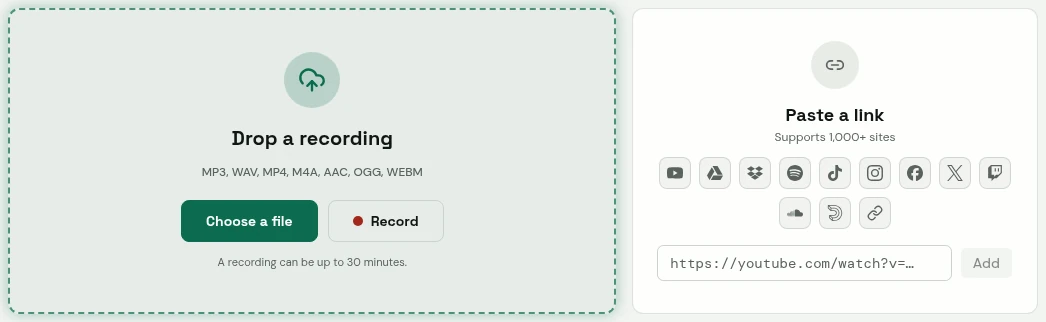
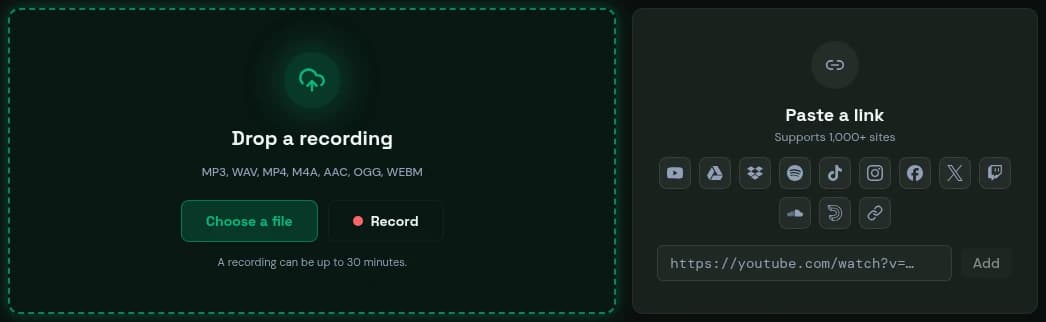
- Drop a file, or record in your browser.
- Or paste a link.
Verbato's app. The content was written to show it.
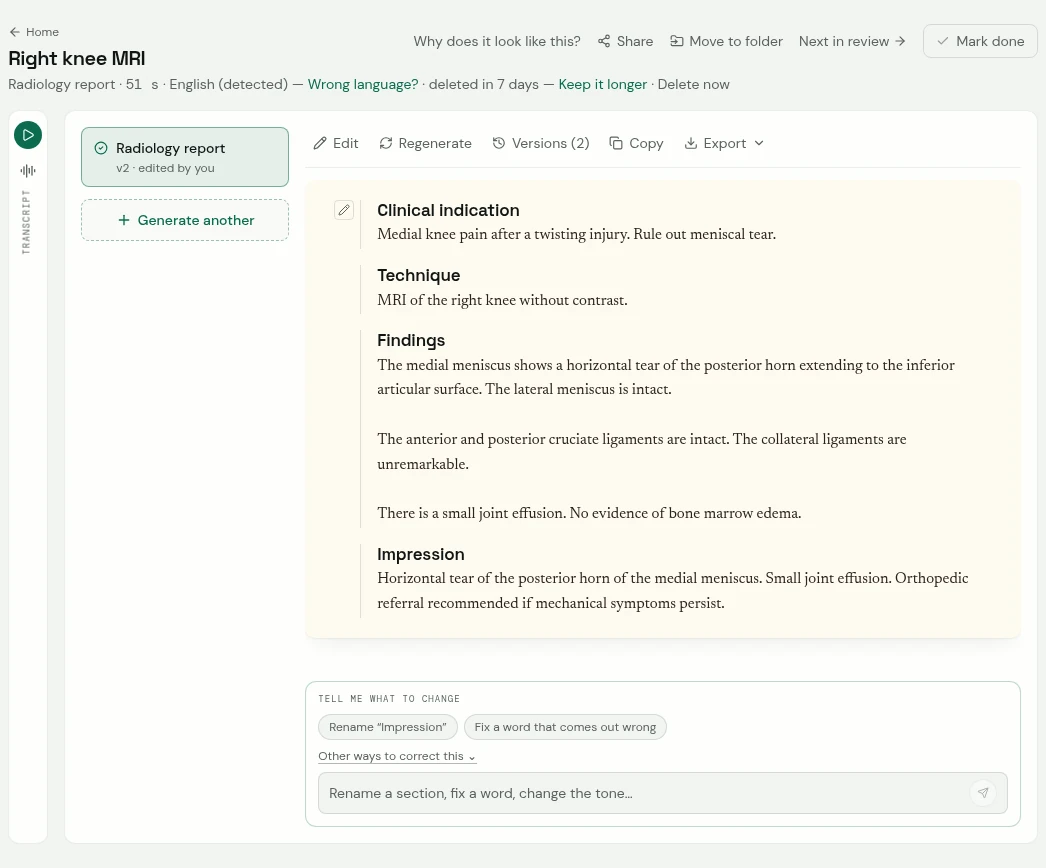
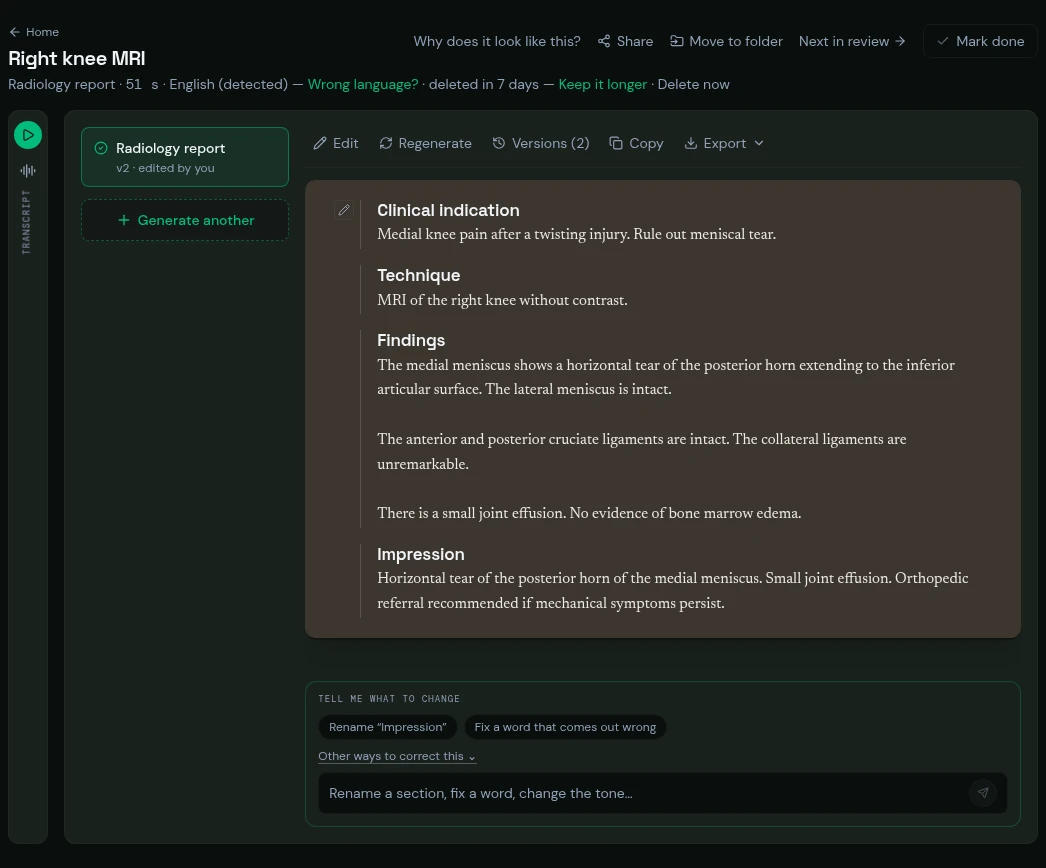
- The transcript, folded beside the document: one press opens it, line by line with times.
- The document, in its sections.
- A change, asked for in your own words.
Verbato's app. The content was written to show it.
- How your dictation gets in: upload a file, paste a link, record in your browser, or send a voice note by Telegram or a recording by email.
- What comes back: the document, in its sections and in the language you dictated in, with the word-for-word transcript beside it, so you can check each sentence before you sign. A document can contain errors, and checking it is your job.
- If your department sets out the report differently: change its sections, and Verbato keeps your version as a document of your own.
- Sensitive recordings: what Verbato does and does not do with them is on a page of its own.
- What you pay for: hours of audio. Documents, corrections and exports are not counted. The plans are on the pricing page.
In short
- Prepare what you are reporting, and decide which document you are dictating.
- Dictate the same sections in the same order, naming each as you start it.
- Say every number with its unit, the side every time, and the negatives clearly; say words, not abbreviations.
- Dictate what you saw and examined, and nothing more.
- Read the whole document against what you said, and only then sign it.