A blog post made from a podcast episode is an article written from the episode’s transcript. It takes one idea from the episode, gives it headings a reader can scan, and quotes the speakers exactly. It is not the transcript pasted onto a page: that has its own place, beside the episode. This guide covers the steps, from the transcript to the published post, with an example.
A transcript and a blog post are different pages
A transcript is the record: every word, in the order it was said. It serves a reader who would rather read than listen, and anyone looking for a passage. A blog post is an argument: one idea, in the order a reader needs it, with what was said along the way as its evidence. Publish both if you can, and link each to the other.
Google’s guidance on people-first content asks, among its questions, whether a page provides original information or analysis, and whether a page that draws on other sources avoids simply copying or rewriting them (Google Search Central). A post that says what the episode means, in its own structure, answers both. A transcript re-cut into paragraphs answers neither.
Start from a transcript you have checked
Everything in the post comes from the transcript, so mistakes in it travel into the post. Before you write, read it against the audio wherever it matters: names, numbers, and every passage you think you might quote. Mark the times of those passages as you go: they are where you will check each quote later.
Choose the one idea the post is about
An episode wanders. A post should not. Read the transcript and write down, in one sentence, the thing a reader should come away with. That sentence becomes the title, in a reader’s words: what they would type into a search box, not the episode’s number. The other topics of the episode are other posts, or a line at the end that sends the reader to the episode.
Outline from the episode’s chapters
The chapters you wrote for the show notes are the raw material of the outline (our guide on podcast show notes covers chapters). Keep the ones that serve the idea, turn each into a heading that states a point, and put them in the order the argument needs, which is rarely the order of the recording. A heading should make sense to someone who reads only the headings.
Write it for reading
- Write, do not transcribe. Spoken language repeats itself, starts over and leaves sentences unfinished. Say each point once, in full sentences.
- Keep the speaker’s voice where it carries the point. A phrase the guest used, in quotation marks, is worth more than your paraphrase of it.
- Quote exactly. Change nothing inside quotation marks, mark a cut with an ellipsis, and keep the time of each quote so you can check it against the audio.
- Attribute. Say who said what. A claim the guest made is the guest’s, not yours.
- Add what the audio could not. Link everything mentioned, introduce the guest in a line, and put the episode’s player and link where a reader who wants more will see them.
An example
Illustrative example. Written to show the format. The episode, the people in it and their words are invented, and the post was not produced by Verbato.
An episode in which the host, Ines Marlow, talks with Tomás Arce, who has run a second-hand bookshop for eleven years, covers buying collections, the shop’s best month, leaving the online marketplaces and a table by the door. The post takes one of those:
- Title: Why a small bookshop stopped selling online
- Opening: for two years, Tomás Arce sold through the online marketplaces. Then he looked at what the fees left him on a cheap book, and stopped.
- Headings: What the marketplaces cost on a cheap book; What the shop sells instead; The table by the door; What he would tell a new shop.
- A paragraph with its quote: Arce does not regret the two years. “I learned what people search for,” he says. “I just couldn’t afford to sell it to them there.” (21:40 in the episode)
- Closing: the episode’s player, and a line on what else it covers: buying whole collections, and why January sells more than December.
Title and description
The title states the post’s idea in the words a reader would search for. The description, in a sentence or two, says what the reader will learn and that it comes from a conversation with the guest. Name the guest in both if the guest is someone readers look for.
Mistakes to avoid
- Publishing the transcript as the post. It belongs on the episode’s page, as the transcript.
- Following the recording’s order. A conversation finds its point halfway through; an article starts with it.
- Rewording inside quotation marks. If it is not what was said, it is not a quote.
- Trusting an unchecked number. A figure misheard in the transcript is published in the post.
- Leaving the episode out. The post should send the reader who wants more to the episode itself.
How Verbato fits
Verbato makes a transcript of an episode’s recording and writes the documents a podcast needs from it, among them a blog draft, a newsletter draft and a guest bio, with the show notes and chapter timestamps the outline starts from. A document can be exported as Markdown, plain text, Word or PDF, ready to paste into the place you publish. The transcript stays beside the documents, with its times, for checking any quote.
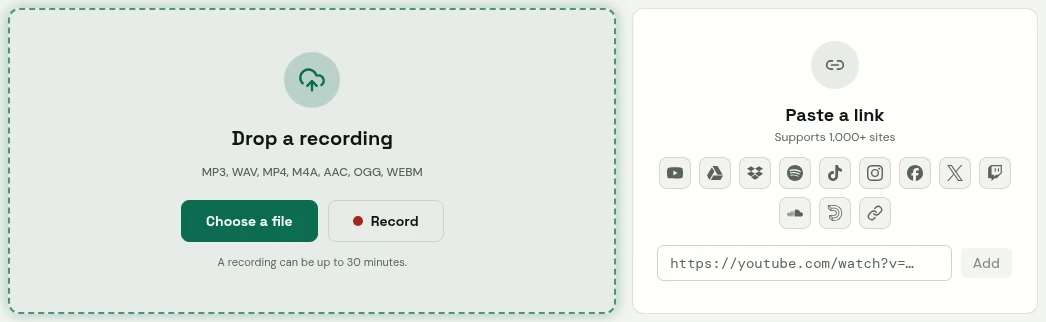
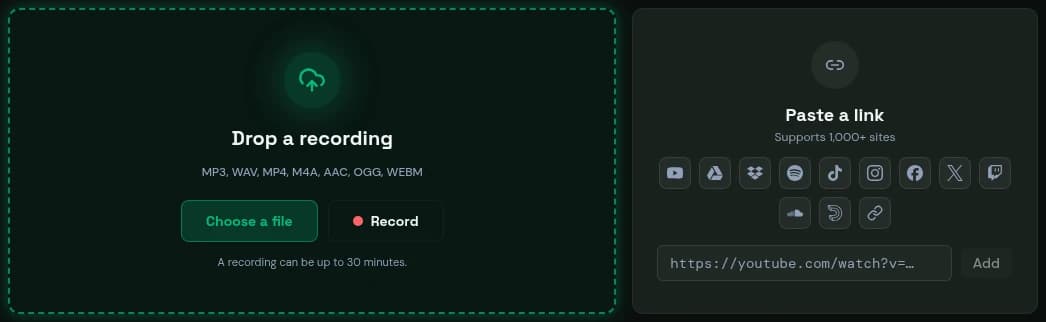
- Drop a file, or record in your browser.
- Or paste a link.
Verbato's app. The content was written to show it.
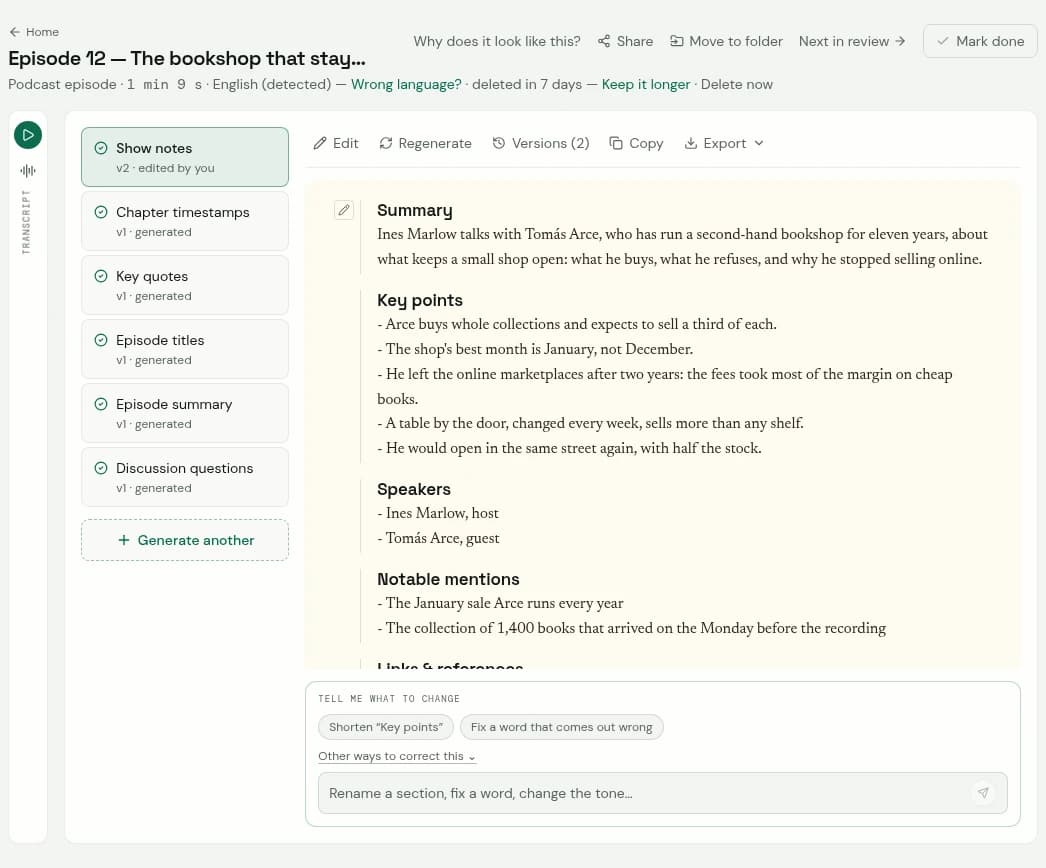
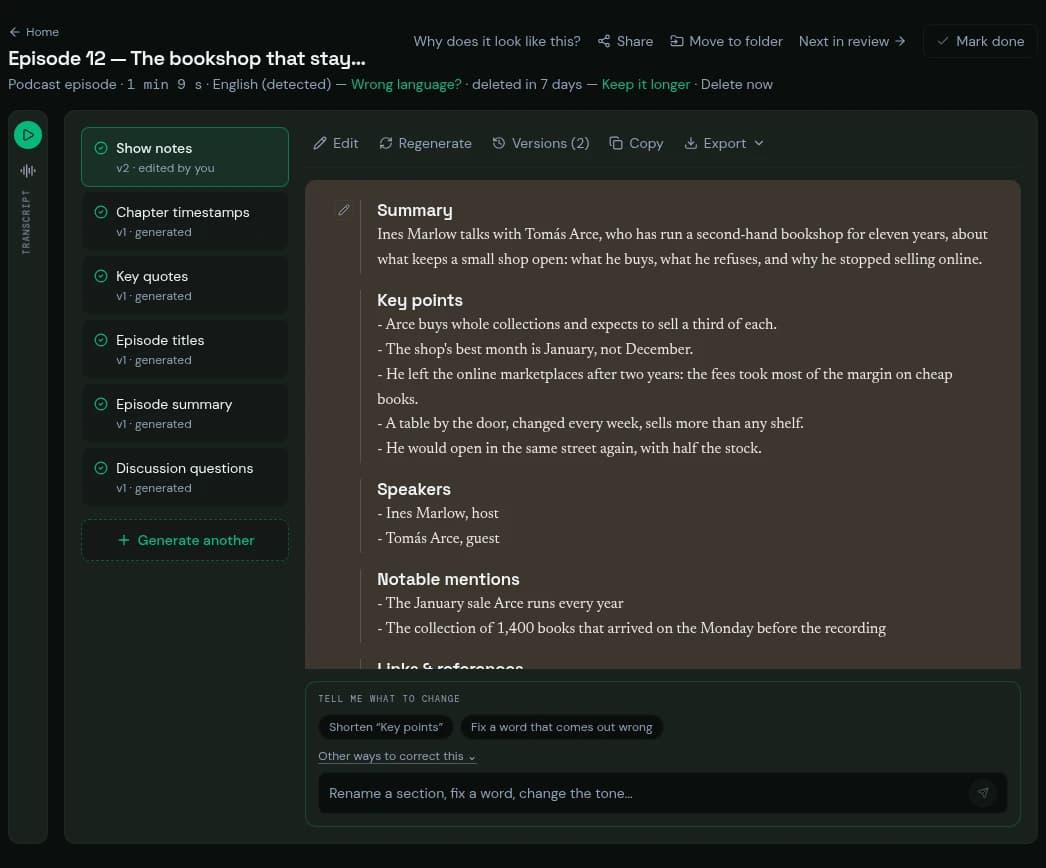
- The transcript, folded beside the document: one press opens it, line by line with times.
- The document, in its sections.
- A change, asked for in your own words.
Verbato's app. The content was written to show it.
The blog draft is a draft: choose the idea, check the quotes and the numbers against the transcript, and make it yours before it goes out.
A checklist
- A transcript checked against the audio where it matters.
- One idea, in one sentence, which becomes the title.
- Headings that state points, in the order the argument needs.
- Written for reading; quotes exact, attributed, with their times.
- Everything mentioned linked; the guest introduced; the episode embedded and linked.
- A title and description in a reader’s words.