Podcast show notes are the written description of an episode: what it covers, who is in it, the moments worth jumping to, and everything mentioned in it. They sit on the episode’s page in every podcast app and on your own site, and they are the part of the episode that a reader, and a search engine, can read without pressing play. This guide gives you a template, an example, the rules each app has for chapters, and the posts that take an episode further.
What show notes are for
Show notes do three jobs, for three readers:
- Someone deciding whether to listen reads the summary and the guest’s name. That is what the notes have to answer first: what is this episode about, and who is in it.
- A listener coming back looks for something they heard: a book, a link, the moment a topic came up. Chapters and a list of what was mentioned answer that.
- A search engine reads text. The words spoken in an episode reach it only if they are written somewhere: in the notes, or in a transcript you publish.
What to put in them
The same parts, in the same order, every episode. A reader who knows the order finds things faster, and you write faster.
- A summary of two or three sentences: the topic, the guest, and what a listener will come away with. Lead with the most interesting idea in the episode, not with “In this episode we talk about…”.
- Key points: three to six lines, one idea each, in the guest’s terms.
- Chapters: the time each part starts and a title that says what happens in it (“Why he stopped selling online”, not “Part 3”).
- Who is speaking: the host and each guest, with one line on who they are.
- Links and references: every book, person, product and site mentioned, as named in the episode.
- One thing to do next: subscribe, reply, visit the guest’s site. One, not five.
An example
Illustrative example. Written to show the format. The episode, the people in it, their words and the address are invented, and the notes were not produced by Verbato.
- Summary: Ines Marlow talks with Tomás Arce, who has run a second-hand bookshop for eleven years, about what keeps a small shop open: what he buys, what he refuses, and why he stopped selling online.
- Key points: he buys whole collections and expects to sell a third of each; the shop’s best month is January, not December; he left the online marketplaces after two years, when the fees took most of the margin on cheap books; a table by the door, changed every week, sells more than any shelf.
- Chapters: (00:00) Introduction; (02:40) Buying a whole collection; (11:15) Why January sells; (19:30) Leaving the marketplaces; (28:05) The table by the door; (34:50) What he would do again.
- Who is speaking: Ines Marlow, host; Tomás Arce, owner of Arce Books.
- Links and references: arcebooks.example, the shop’s site, as given in the episode; the January sale Arce runs every year.
- Next: if you run a small shop, send us the question you would ask him.
Chapters every app can read
The platforms read chapters from the timestamps in your description, and their rules are close enough that one list can satisfy all of them:
- YouTube makes video chapters from timestamps in the description when the first one is 00:00, there are at least three, they run in ascending order, and each chapter lasts at least 10 seconds (YouTube Help).
- Spotify asks for the first chapter at 00:00, at least three chapters, one per line with the time first, as in “(00:00) Intro”, in plain text, with titles under 40 characters (Spotify for Creators).
- Apple Podcasts displays chapters you supply in the episode description or in your RSS feed, and for shows in English it generates chapters itself when you supply none (Apple Podcasts for Creators).
So write them once in the strictest form: one per line, the time first, starting at 00:00, at least three, short plain titles. Take the times from the final edit, not from the raw recording: every cut after the notes are written moves every chapter after it.
Check before you publish
Whoever or whatever wrote the first draft, read the notes against the episode before they go out. Look at:
- Names and titles: the guest’s name, job title and company, spelled as they spell them.
- Links: an address spoken aloud is easy to mishear. Open every link in the notes.
- Quotes: word for word, or not in quotation marks at all.
- Numbers: a figure that changes by one word (“fifteen” and “fifty”) changes the claim.
- Times: spot-check the chapters against the published audio.
The posts that promote an episode
The notes are for people already on the episode’s page. Posts bring people to it. Each post carries one idea from the episode, made for the place it appears, with a link back:
- A thread on X walks through one argument from the episode, one step per post, and ends with the link.
- A LinkedIn post leads with the guest’s experience and one lesson a reader can use at work.
- An Instagram caption sits under an image or a short video, so its first line has to stand on its own.
- A newsletter gets the summary, the best quote and the link, and a subject line that names the idea, not the episode number.
- A YouTube description carries the summary, the chapters and the links, if the episode is also published as a video.
- A list of moments worth clipping, each with its start and its end, is what you need before you cut short videos in your editor.
Quote the guest exactly in every post, as in the notes. A quote reworded to fit a character limit is no longer a quote: shorten it with an ellipsis instead, or say the idea in your own words without quotation marks.
Publish the transcript too
Show notes summarize; a transcript keeps every word. Apple Podcasts generates transcripts itself once an episode is published, and accepts your own instead through the transcript tag in your RSS feed, as a VTT or SRT file, provided it is free of spelling and punctuation errors and covers the whole episode (Apple Podcasts for Creators). A transcript on the episode’s page of your own site gives a reader who prefers to read, and a search engine, the whole conversation. To turn an episode into an article rather than a transcript, see how to turn a podcast episode into a blog post.
How Verbato fits
Verbato makes a transcript of an episode’s recording and writes the documents a podcast needs from it: show notes, chapter timestamps, key quotes, episode titles, a summary and discussion questions; posts to promote it (an X thread, a LinkedIn post, an Instagram caption, a carousel, email subject lines); a YouTube description and clip markers. Clip markers are a list of moments, each with its start and its end: Verbato cuts no clip and makes no video. You choose the documents once, and every episode after that comes back with them. The transcript can be exported as SRT or VTT, the formats Apple Podcasts takes, and as plain text, Word, PDF or JSON.
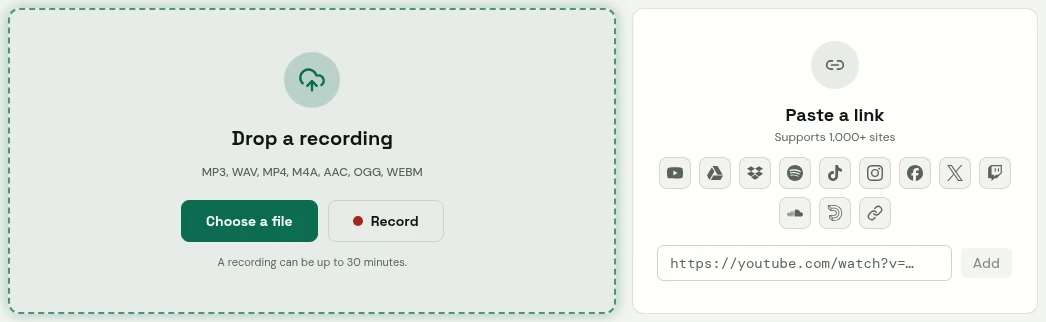
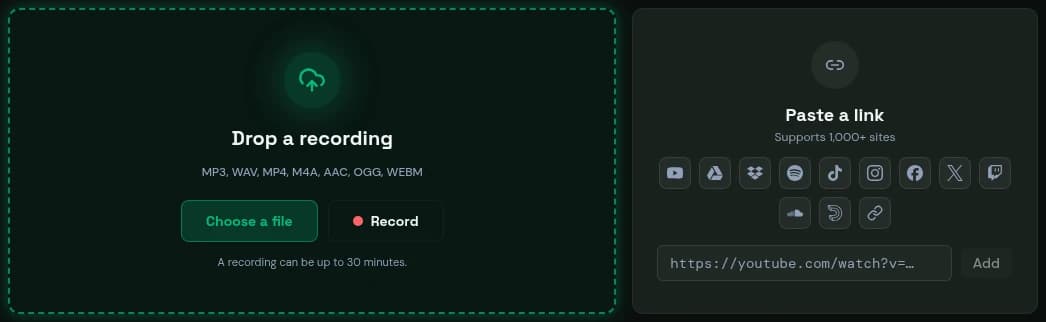
- Drop a file, or record in your browser.
- Or paste a link.
Verbato's app. The content was written to show it.
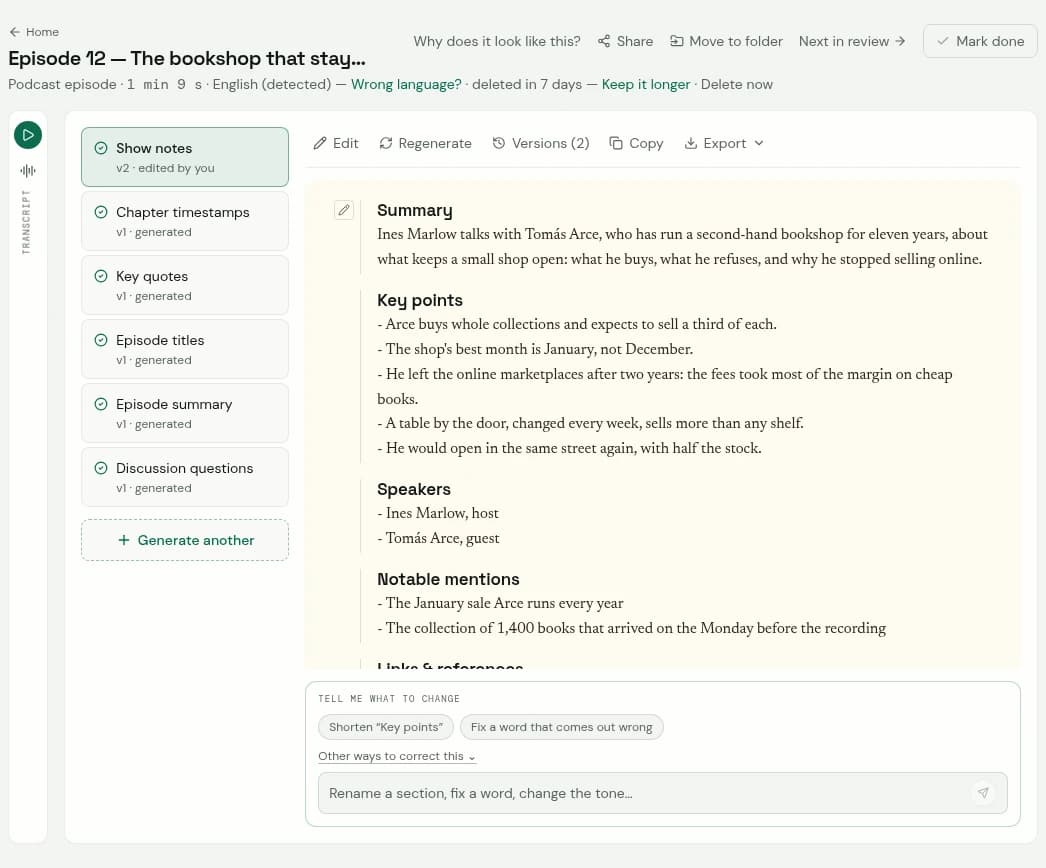
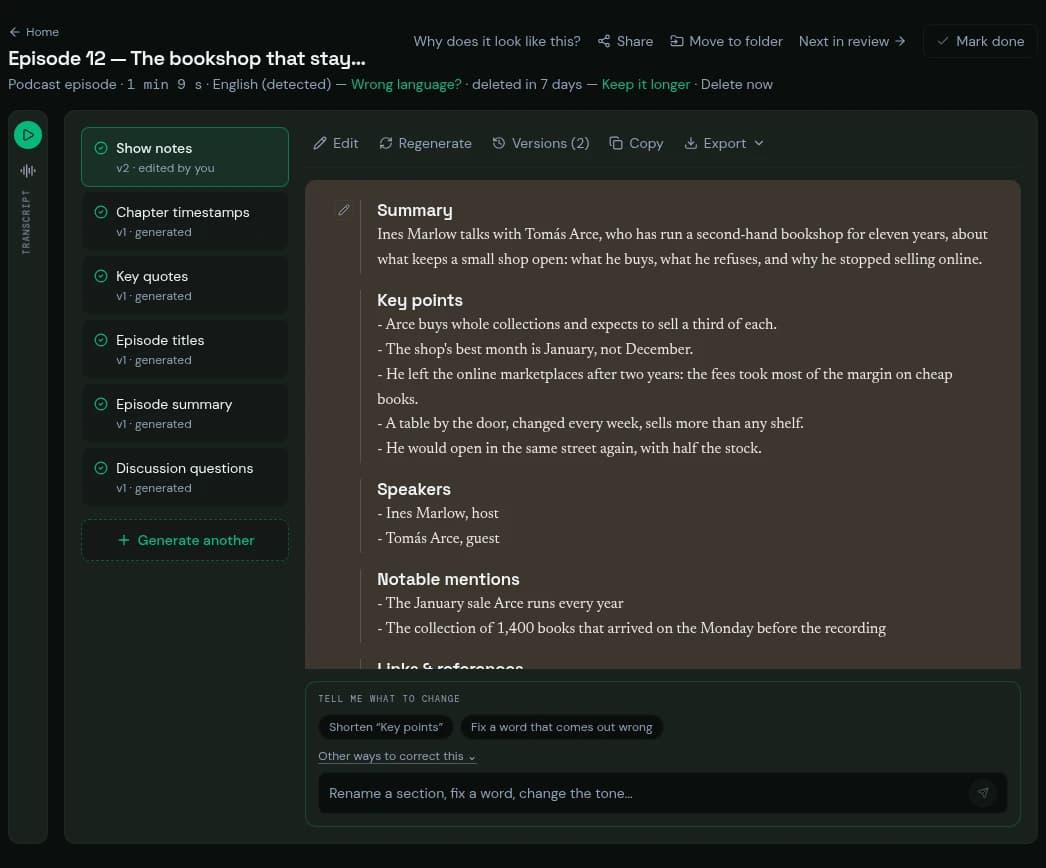
- The transcript, folded beside the document: one press opens it, line by line with times.
- The document, in its sections.
- A change, asked for in your own words.
Verbato's app. The content was written to show it.
What comes back is a draft, as any first draft is: check the names, the links and the quotes against the episode before you publish.
A checklist
- A summary that leads with the episode’s best idea and names the guest.
- Key points in the guest’s terms, one idea each.
- Chapters from 00:00, at least three, one per line, short plain titles, timed on the final edit.
- Every person, title and link checked; every quote exact.
- One thing for the listener to do next.
- Posts with one idea each and a link back; a list of moments with start and end times for clips.
- The transcript published beside the notes.